How to Create a Hytale Server Guide
Creating a Hytale game server is an easy process that can be done from either a dedicated server or your home computer. Alternatively, you can choose a Hytale server host that will fit your needs.
Option #1: Renting a Hytale server (see example control panel below!)
Renting from a professional game server provider is the fastest and easiest way to get online. Survival Servers handles hardware, network, DDoS protection, and updates for you.
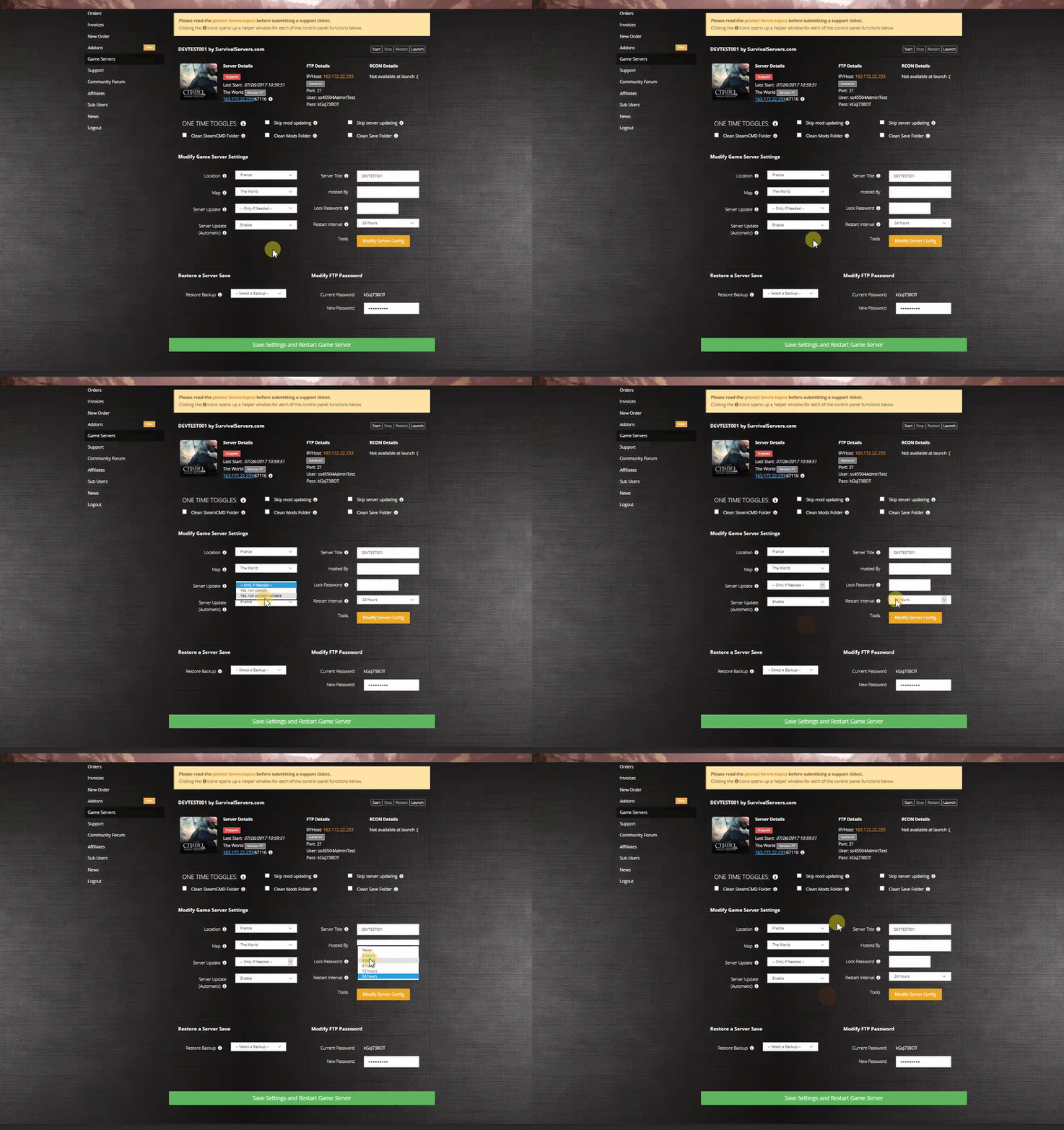

With a rented Hytale server from Survival Servers you get:
- Custom control panel (start/stop/restart, config editor, backups)
- High-clock dedicated hardware (no VPS)
- NVMe SSD storage
- DDoS protection configured for UDP/QUIC traffic
- Full FTP / SFTP file access
- Multiple worldwide locations and the ability to switch locations at any time
Option #2: Creating a Hytale Server From Your Home Computer or Dedicated Server
This option is for advanced users who want to host Hytale directly on their own hardware.
Server Requirements
Software
- Java: OpenJDK 25 (64-bit) or equivalent. Java must be installed and on your PATH.
- Operating System:
- Linux (modern 64-bit distribution recommended for dedicated servers)
- Windows 10/11 64-bit
- macOS support may be added later
Hardware (starting points)
| Component | Small Private Server | Public/Modded Server |
|---|---|---|
| CPU | Modern 64-bit quad-core | 6+ cores recommended |
| RAM | 4-6 GB dedicated to server | 6-10 GB dedicated to server |
| Storage | 10-20 GB (SSD recommended) | 20+ GB NVMe SSD |
Networking
Important: Hytale uses QUIC over UDP for networking, not TCP.
- Ensure your firewall/router permits UDP traffic on the server port
- DDoS protection services must be configured to support UDP/QUIC traffic
Step 1: Getting the Server Files
When available, obtain HytaleServer.jar via:
- Hytale Launcher - option to download the dedicated server
- hytale-downloader CLI tool - command-line utility from the Hytale team
- Direct CDN link - download URL provided in official documentation
Example download (placeholder URL):
curl -L https://cdn.hytale.com/HytaleServer.jar -o HytaleServer.jar
Step 2: First Launch
- Verify Java 25 is installed:
java -version
You should see openjdk version "25.x" or similar.
- Create a server directory:
mkdir hytale-server
cd hytale-server
- Download
HytaleServer.jarto this directory.
- Run the server:
java -jar HytaleServer.jar
The server will:
- Generate default configuration files
- Bind to the default port
- Create an initial world
- Stop the server (Ctrl+C), edit configuration files, then restart.
Step 3: Memory (RAM) Configuration
Allocate memory using JVM flags:
-Xms- initial heap size-Xmx- maximum heap size
Tip: Keep -Xms and -Xmx equal for more predictable performance.
| Plan RAM | Command |
|---|---|
| 4 GB | java -Xms3G -Xmx3G -jar HytaleServer.jar
|
| 6 GB | java -Xms5G -Xmx5G -jar HytaleServer.jar
|
| 8 GB | java -Xms7G -Xmx7G -jar HytaleServer.jar
|
Reserve approximately 1 GB for OS overhead.
Start Script Examples
Windows (.bat file)
Create StartHytaleServer.bat:
@echo off
java -Xms4G -Xmx4G -jar HytaleServer.jar
pause
Linux (.sh file)
Create start-hytale-server.sh:
#!/bin/bash
java -Xms4G -Xmx4G -jar HytaleServer.jar
Make executable: chmod +x start-hytale-server.sh
Step 4: Port Forwarding and Firewall Rules
Hytale uses QUIC (UDP) networking. You must allow UDP traffic on your game port.
Linux (ufw)
sudo ufw allow 3000/udp
(Replace 3000 with actual Hytale port when confirmed)
Windows Firewall
- Open Windows Defender Firewall with Advanced Security
- Add Inbound Rule > Port > UDP > your port number > Allow
Router Port Forwarding
- Find your server's local IP (e.g.,
192.168.1.50) - Log into your router admin panel
- Add port forwarding rule: UDP on your chosen port to your local IP
- Share your public IP and port with players
If you are unsure how to port forward, PortForward.com has guides for many router models.
Step 5: Running in Docker
The Hytale team has confirmed Docker container support.
Quick Test
docker run -it --rm openjdk:25-slim /bin/sh -c \
  "apt-get update && apt-get install -y curl && \
   curl -L https://cdn.hytale.com/HytaleServer.jar -o HytaleServer.jar && \
   java -jar HytaleServer.jar"
Production Dockerfile
FROM openjdk:25-slim

RUN apt-get update && \
    apt-get install -y --no-install-recommends curl ca-certificates && \
    rm -rf /var/lib/apt/lists/*

RUN useradd -m -d /hytale hytale
USER hytale
WORKDIR /hytale

EXPOSE 3000/udp
VOLUME ["/hytale/data"]

ENTRYPOINT ["java"]
CMD ["-Xms2G", "-Xmx2G", "-jar", "HytaleServer.jar"]
Expected File Layout
After first run, typical structure:
hytale-server/
├─ HytaleServer.jar
├─ server.log
├─ config/
│  ├─ server.properties
│  ├─ networking.json
│  └─ gameplay.json
└─ worlds/
   └─ Orbis/
      ├─ region/
      ├─ playerdata/
      └─ level.dat
Edit config files while server is stopped, then restart to apply changes.
Configuring your Hytale Game Server
Configuration options you can expect to set:
- Server name / MOTD (how the server appears to players)
- Maximum players
- World seed and world settings
- Difficulty and gameplay rules
- Password protection
- Logging, backups, and performance settings
Survival Servers customers can edit most of these options directly via the web control panel.
Locating and Joining your Server
Direct IP
- Start the Hytale client
- Select the option to join by IP / direct connect
- Enter your server's IP address and port
- Connect
Server Browser (after implemented)
- Open the in-game server browser
- Search or filter by name, tags, or region
- Click to join
If you cannot connect:
- Verify the server is running (check console for errors)
- Double-check your IP/hostname and port
- Ensure firewall and port-forwarding rules allow UDP traffic
- Have someone on a different network test to rule out local issues
Quick Reference
| Task | Command |
|---|---|
| Minimal run | java -jar HytaleServer.jar
|
| Run with 4GB RAM | java -Xms3G -Xmx3G -jar HytaleServer.jar
|
| Show help/options | java -jar HytaleServer.jar --help
|
Tools
Hytale is being built with powerful creator tools:
- In-game world editing and prefabs for fast building and world design
- A Blockbench plugin for creating and animating models
- Server-side modding via plugins and asset packs
- Official documentation and examples planned by the Hytale team
See Also