

Assetto Corsa Game Server Hosting
Our Assetto Corsa server hosting plans come with the features you need
Your game server will come with the following, instantly available features:


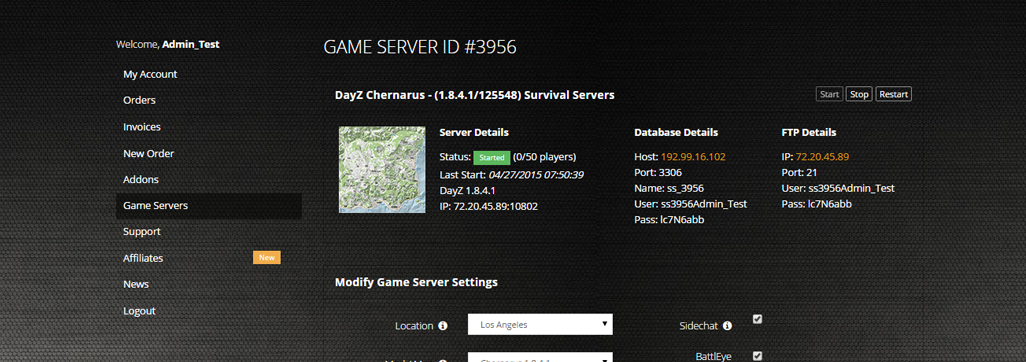
Access to our custom Game Server Management Panel
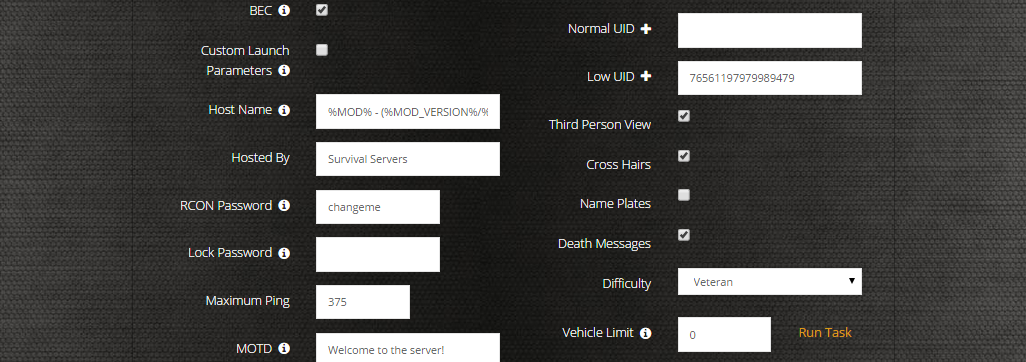
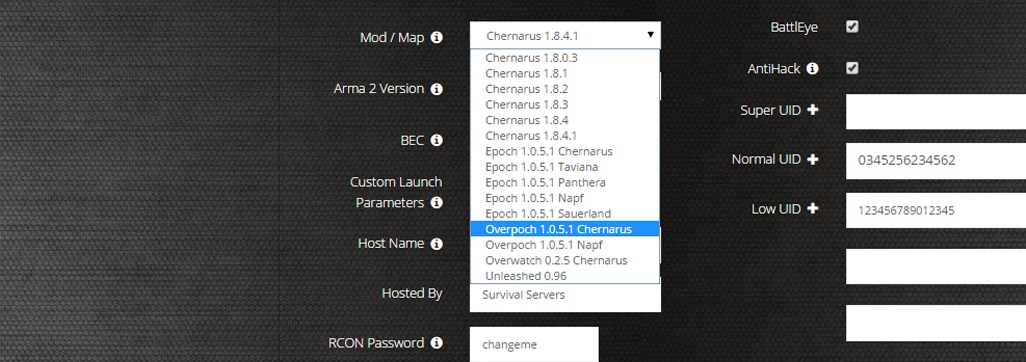
The in-house Survival Servers game control panel allows you to configure and customize your Assetto Corsa game server. Install supported mods / maps, switch locations, and change any setting with our easy one click form. Survival Servers is a Assetto Corsa dedicated game server provider with our custom panel. From there, join your Assetto Corsa server and play with your friends!
Global Network, Multiple Hosting Locations
Switch locations any time. DDoS protection available.
What is Assetto Corsa?
Assetto Corsa is a next generation racing simulator and features an advanced DirectX 11 graphics engine that recreates an immersive environment, dynamic lighthing and realistic materials and surfaces. The advanced physics engine is being designed to provide a very realistic driving experience!
How to Set Up an Assetto Corsa Dedicated Server
With SurvivalServers
Running your Assetto Corsa multiplayer server is easy!
- Click Order Now above
- Enter a Username, Password and Email Address or Signup with Google/Twitch
- Select your slot amount and billing cycle
- Click "Order Now" and enjoy your server!
Without SurvivalServers
Running an Assetto Corsa multiplayer server on your own requires several components.
System Requirements
- Windows Server or Windows 10/11
- 2-4 GB RAM minimum (more for 24 player servers)
- ~500 MB disk for server files, plus space for custom content
- Port forwarding capability on your router (UDP 9600 and TCP 8081)
- Static IP address or Dynamic DNS service
Required Components
- Assetto Corsa Dedicated Server - Download via Steam (App ID 302550, requires owning the game)
- server_cfg.ini - Main server configuration file
- entry_list.ini - Defines available cars and pit positions
- Content folder - Cars and tracks matching your server config
Configuration Files
cfg/server_cfg.ini- Server name, password, sessions, assists, physics settingscfg/entry_list.ini- Car models, skins, and driver restrictions- Session types: Practice, Qualifying, Race with customizable durations
- Driving assists: TC, ABS, stability, autoclutch can be forced or allowed
Network Configuration
- Default UDP port: 9600 (game traffic)
- Default TCP port: 8081 (HTTP server for remote admin)
- Both ports must be forwarded on your router
- Server will appear in the Assetto Corsa multiplayer browser once running
Custom Content
- Assetto Corsa has a massive modding community
- Custom cars and tracks from RaceDepartment, AssettoLand, Race Sim Studio
- Players must have matching mods installed locally
- Content Manager app recommended for easier mod management
Why Use SurvivalServers Instead?
- We handle all the technical setup - just click and play
- DDoS protection included at all 7 global locations
- Easy Server Config tool with 50+ settings
- 24/7 server uptime - your racing league can run anytime
- Full FTP access for custom cars and tracks
- Custom Restarts tool for scheduled server maintenance
Frequently Asked Questions About Assetto Corsa Server Hosting
Assetto Corsa servers support up to 24 concurrent players in races. Our hosting plans accommodate various server sizes from small 8-player practice sessions to full 24-player competitive racing grids. Performance depends on track complexity, car count, and physics settings.
Yes, Assetto Corsa has extensive modding support. Our control panel allows easy installation of custom tracks, car models, and physics mods. You can host community-created content from RaceDepartment and other modding sites. Players automatically download required content when joining your server.
Assetto Corsa requires minimum 2GB RAM and 2 CPU cores for small 8-player servers. For full 24-player races with high physics accuracy, we recommend 4GB RAM and 4 CPU cores. Storage needs vary by mod content, typically 5-20GB. All our servers provide high-frequency processors for optimal physics simulation.
Yes, Assetto Corsa is ideal for organized racing leagues. Our servers support session booking, practice/qualifying/race formats, grid penalties, mandatory pit stops, and fuel/tire management. You can configure custom race rules, points systems, and track rotations for complete championship seasons.
Assetto Corsa features laser-scanned tracks for exceptional accuracy, advanced tire physics modeling, and realistic force feedback. The game supports VR racing, modding community with thousands of cars and tracks, and hotlap competitions. Our servers provide low-latency connections essential for competitive sim racing with precise physics calculations.
Step 1: Select your desired slot count and server location from our order page, then complete checkout for instant deployment.
Step 2: Access your game server control panel and use the Server Config tool to configure session settings, driving assists, track selection, and weather conditions.
Step 3: Set your server name, password (optional), and admin password in the Advanced settings section.
Step 4: Click "Apply & Restart" to start your server with your configuration. Your server will appear in the Assetto Corsa multiplayer browser within minutes.
Our Server Config tool gives you full control over your racing experience:
Session Settings: Practice time, qualifying duration, race laps, open/closed sessions, result wait time, and race overtime.
Driving Assists: Enable or disable traction control, ABS, stability control, autoclutch, automatic shifting, and ideal racing line.
Simulation: Fuel consumption rate, tire wear multiplier, damage settings, allowed tires, and force virtual mirror.
Track & Weather: Track selection, time of day, sun angle, ambient and road temperatures, and weather grip conditions.
Advanced: UDP ports, client send rate, physics threads, server name, passwords, and blacklist/whitelist management.
Assetto Corsa supports multiple session types that you can customize:
Practice: Set duration (0 to disable), choose open or time-window joining.
Qualifying: Configure duration and whether it's open for late joiners.
Race: Set number of laps, wait time before start, overtime percentage for finishing, and starting order based on qualifying results.
You can run continuous sessions (practice only) or full race weekends with practice → qualifying → race progression. The server automatically cycles through configured session types.
Adding custom content is straightforward with our FTP access:
Step 1: Download mods from sites like RaceDepartment, AssettoLand, or Race Sim Studio.
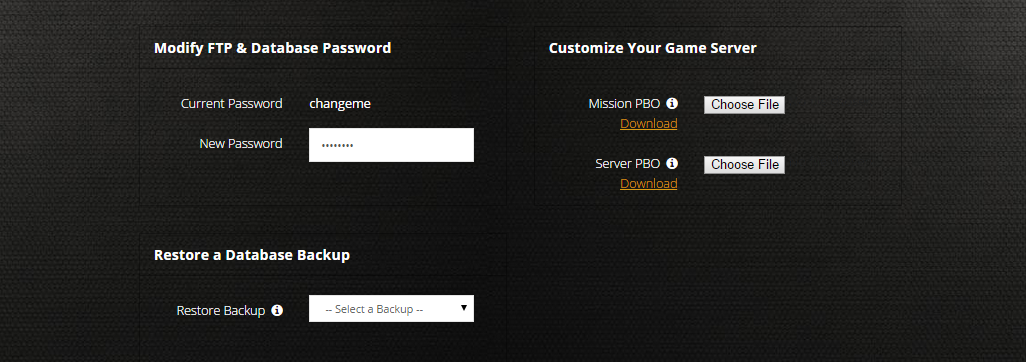
Step 2: Open File Manager from your control panel and navigate to the appropriate folder (content/cars/ for vehicles, content/tracks/ for circuits).
Step 3: Upload your mod folders maintaining the correct structure.
Step 4: Update your server_cfg.ini and entry_list.ini to reference the new content.
Note: Players must have matching mods installed locally to join your server. Popular content packs are often available as "server packs" with pre-configured entry lists.