

Renown Game Server Hosting
Our Renown server hosting plans come with the features you need
Your game server will come with the following, instantly available features:


Instantly deploy a game server
You will quickly be redirected to manage your game server after payment.
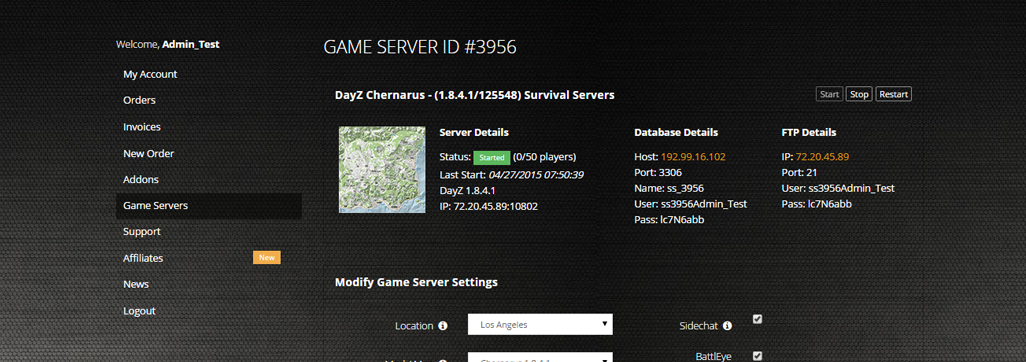
Access to our custom Game Server Management Panel
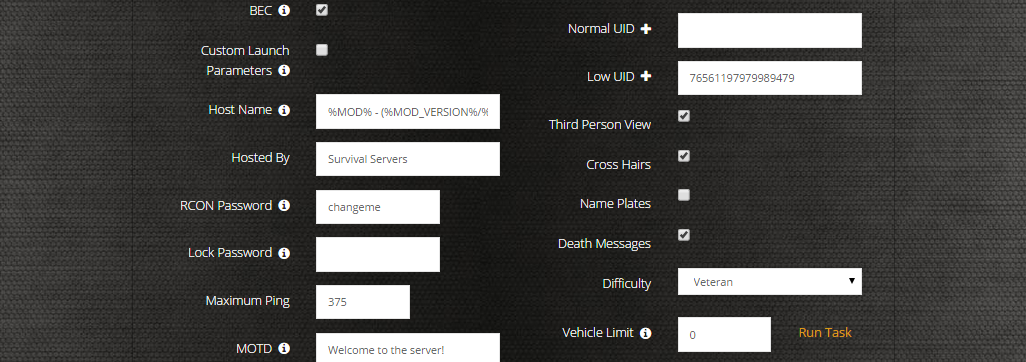
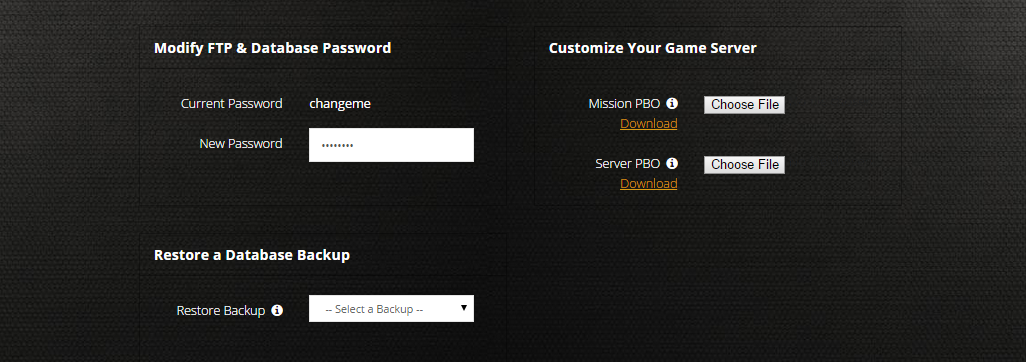
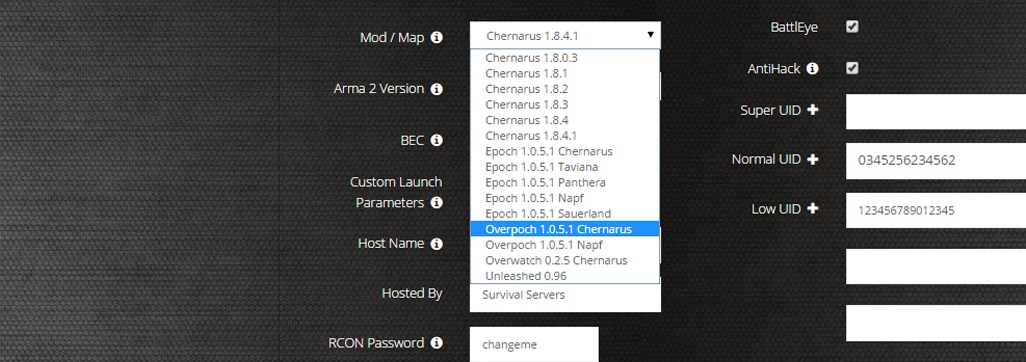
The in-house Survival Servers game control panel allows you to configure and customize your Renown game server. Install supported mods / maps, switch locations, and change any setting with our easy one click form. Survival Servers is an ARMA 4 dedicated game server provider with our custom panel.
Watch the Renown Trailer
Renown is a multiplayer survival experience set in a vast and ever-changing medieval world
Global Network, Multiple Hosting Locations
Switch locations any time. DDoS protection available in select locations.
How do I host a Renown Multiplayer Server?
With SurvivalServers
Running your Renown multiplayer server is easy!
- Click Order Now above
- Enter a Username, Password and Email Address or Signup with Google/Twitch
- Select your slot amount (up to 100 players) and billing cycle
- Click "Order Now" and enjoy your server!
Without SurvivalServers
Running a Renown multiplayer server on your own requires several components.
System Requirements
- Windows 10/11 or Windows Server
- ~8GB of RAM minimum (16GB+ recommended for 50+ players)
- ~20GB of Diskspace
- SteamCMD for server file downloads
- Port forwarding capability on your router
Required Components
- SteamCMD - Tool for downloading dedicated server files
- Server Files - Renown dedicated server (Steam App ID TBD)
- Configuration Files - ServerHostSettings.json, Engine.ini, and Game.ini
Installation
- Download SteamCMD from Valve
- Extract SteamCMD to C:\steamcmd
- Run steamcmd.exe to initialize and update
- Execute:
+login anonymous +force_install_dir C:\RenownServer +app_update [APPID] validate +quit - Wait for ~20GB of server files to download
Configuring the Server
- Navigate to C:\RenownServer\Config\
- Create ServerHostSettings.json with:
{ "ServerName": "My Renown Server", "ServerPassword": "", "MaxPlayers": 100, "ServerDescription": "Welcome to our Renown server", "PvPEnabled": true, "VAC": true, "BattlEye": true } - Configure Game.ini for gameplay settings:
[/Script/Renown.GameMode]
DayNightCycleSpeed=1.0
ResourceRespawnRate=1.0
NPCSpawnRate=1.0

[/Script/Renown.Combat]
PlayerDamageMultiplier=1.0
NPCDamageMultiplier=1.0
- Forward ports 7777-7778 (UDP) and 27015-27016 (TCP/UDP) on your router
- Configure Windows Firewall to allow RenownServer.exe
Starting the Server
- Navigate to C:\RenownServer in Command Prompt
- Run:
RenownServer.exe -log -port=7777 -queryport=27015 - Server will use settings from your configuration files
- Share your public IP with players (find it at whatismyipaddress.com)
Joining a Server
- Launch Renown from Steam
- Navigate to Multiplayer menu
- Select "Direct Connect" or browse server list
- Enter server IP:Port (e.g., 123.45.67.89:7777)
- Enter password if required
Updating the Server
- Stop the server process
- Run SteamCMD with the same app_update command
- SteamCMD will verify and update files as needed
- Restart your server with the updated files
Troubleshooting
- If players can't connect, verify port forwarding is configured correctly
- Check Windows Firewall isn't blocking RenownServer.exe
- Ensure Steam Query port (default 27015) is also open
- Verify server appears in Steam server browser
- For help, visit the Renown Wiki Server Hosting Guide
Instantly deploy a game server
You will quickly be redirected to manage your game server after payment.
Frequently Asked Questions about Renown Server Hosting
Renown servers can host up to 100 players maximum. By default, servers support 10 players, but this can be configured based on your server's performance. Smaller groups of 2-4 players work best for complex medieval builds and PvP, while larger groups can handle distributed resource gathering and construction projects.
Renown includes tools for Community Hosts to tailor their servers via Steam Workshop, with future plans for extensive mod support. The game is built on the Enfusion engine and is highly moddable. Server owners can customize world settings, difficulty, building rates, PvP rules, and manage Workshop mods through the dedicated server configuration.
For self-hosting, you need a VPS with Ubuntu or similar Linux distribution with root access, Windows 10/11 or Windows Server, 8-16GB of RAM (16GB+ recommended for 50+ players), around 20GB of disk space, and SteamCMD for server file downloads. You must also forward ports 7777-7778 (UDP) and 27015-27016 (TCP/UDP) on your router.
Renown is currently available on PC via Steam. The game focuses on delivering a quality medieval multiplayer survival experience on PC. Cross-platform support for other platforms has not been announced at this time.
Renown is an intense medieval multiplayer survival experience set in a vast, ever-evolving world. Players gather resources, build powerful strongholds, and engage in brutal battles for dominance. The game uses the highly moddable Enfusion engine and is currently in Early Access with active development and community server hosting tools.