
Astro Colony Game Server Hosting
Our Astro Colony server hosting plans come with the features you need
Your game server will come with the following, instantly available features:


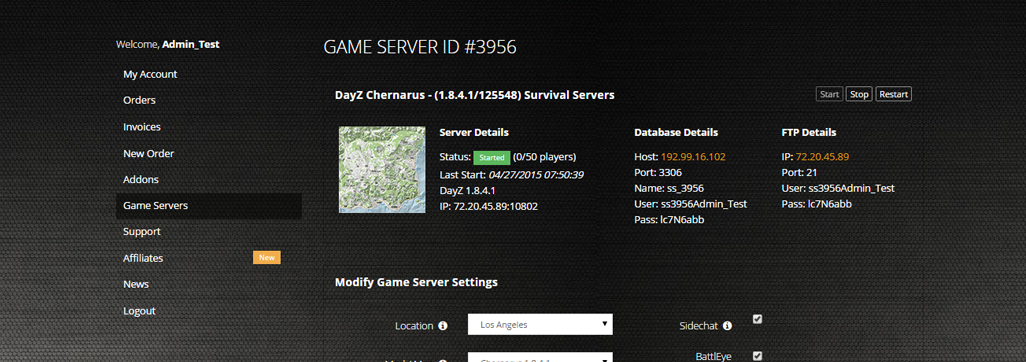
Access to our custom Game Server Management Panel
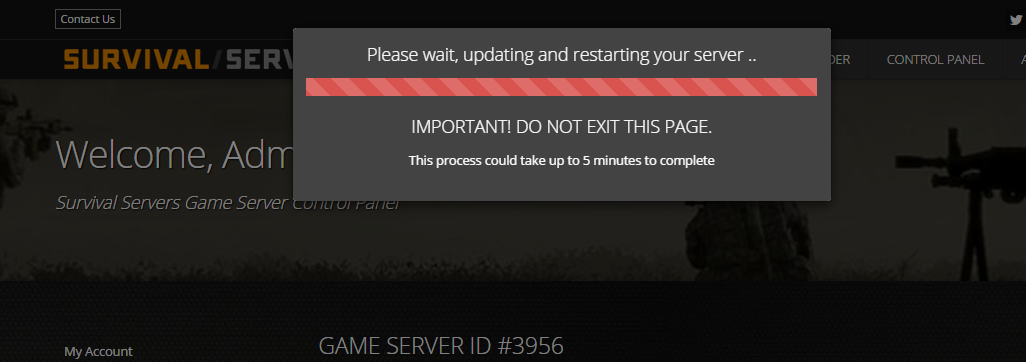
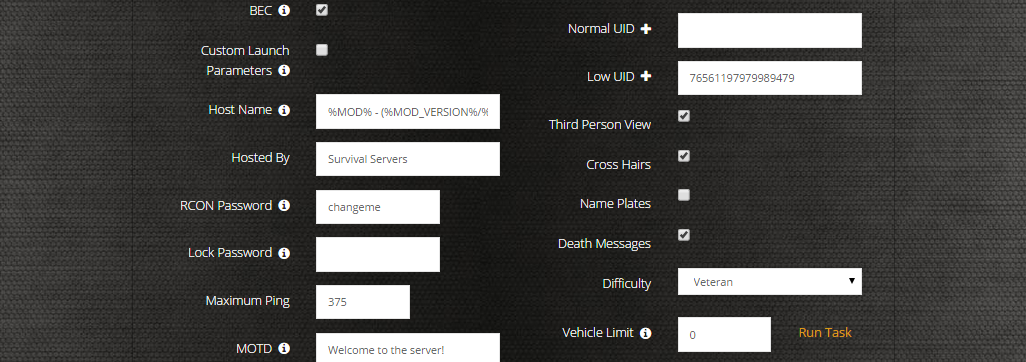
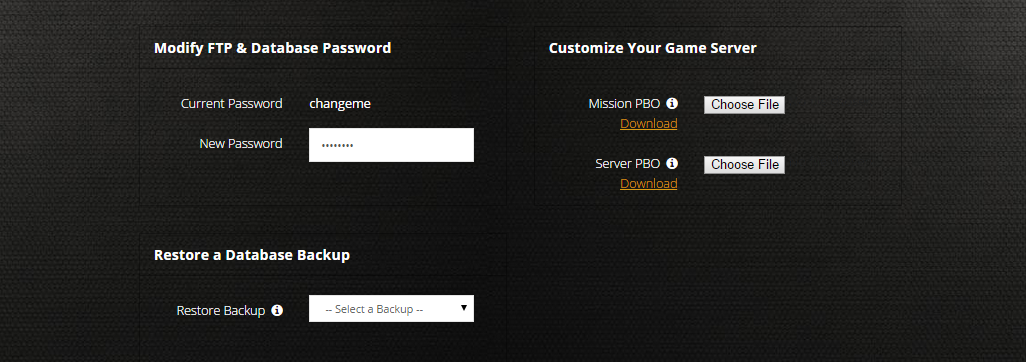
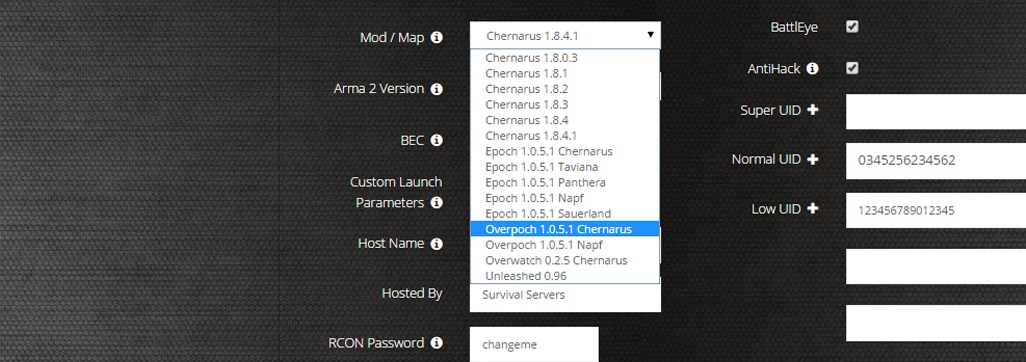
The in-house Survival Servers game control panel lets you configure and customize your Astro Colony dedicated server. Set your world seed, map name, max players, shared technologies, oxygen consumption and game mode, switch locations, and change any setting with our easy one click form. Survival Servers is an Astro Colony dedicated game server provider with our custom panel.
Watch the Astro Colony Trailer
Astro Colony is a space-station automation and exploration game for up to 20 players set in an infinite, procedurally generated voxel universe. Build automated colonies, lay out conveyor and pipe logistics, mine asteroids, research 70+ technologies, and recruit astronauts as you expand across the galaxy.
Global Network, Multiple Hosting Locations
Switch locations any time. DDoS protection available.
How to Create a Astro Colony Server — Astro Colony Server Setup Guide
This free Astro Colony server setup guide walks you through creating a dedicated Astro Colony server the fast way (with SurvivalServers) and the DIY way (self-hosted on your own hardware).
Hosting your Astro Colony server with us is effortless:
- Click Order Now above
- Enter a Username, Password and Email Address or sign up with Google/Twitch
- Select your slot amount, datacenter, and billing cycle
- Place your order and manage your Astro Colony server from your one-click control panel — no SteamCMD, no port forwarding, no config files to hand-edit
Without SurvivalServers
Running an Astro Colony dedicated server yourself takes quite a bit more setup:
System Requirements
- 64-bit Windows (Windows 10/11 or Windows Server)
- A few GB of disk space for the dedicated server tool and your world saves
- A multi-core CPU and several GB of free RAM — larger automated colonies and more players need more headroom
- A stable internet connection with the server's game port reachable from the outside
- SteamCMD for headless installs
Installation
- Install the Astro Colony Dedicated Server via SteamCMD (App ID
2662210). It is a free tool published by the developer, Terad Games. - Run
AstroColonyServer.exefrom the install folder to launch the headless server. - Forward the server's game port on your router and allow the executable through your firewall so friends can connect.
- Edit
ServerSettings.ini(underAstroColony/Saved/Config/WindowsServer/) to set your server password, map name, seed, max players (1–20), admin Steam64 IDs, autosave interval, and gameplay toggles like Shared Technologies and Oxygen Consumption. - Choose a game mode by enabling the matching flags — for example
FreeConstruction=Truefor free-build orSandbox=Truefor sandbox mode. - Save data is written under the server install. Astro Colony keeps multiple timed autosaves (configurable via
AutosaveIntervalandAutosavesCount) so you can roll a world back if needed. - Launch the server, then share your public IP:port with players so they can join from the in-game multiplayer menu.
- Watch the server console for errors and re-run SteamCMD whenever the game updates so your server build matches connecting clients.
Mods
- Astro Colony has Steam Workshop mod support with an in-game Mods menu, so you and your players can browse and subscribe to community mods. The dedicated server itself is customized through
ServerSettings.ini(password, seed, max players, gameplay toggles) rather than a server-side mod list, so Workshop mods load through each player's own Steam subscriptions.
Why Use SurvivalServers Instead
- Instant provisioning on enterprise NVMe SSD hardware with DDoS protection across 8 global datacenters
- Server password, seed, map name, max players, and gameplay toggles managed through our custom Survival Servers control panel
- Automated restarts, scheduled backups, and full FTP access on day one
- We keep your server build updated to match the live Astro Colony version automatically
- No SteamCMD wrangling, no port forwarding, no firewall rules, no config files to hand-edit
Frequently Asked Questions about Astro Colony Server Hosting
Astro Colony supports up to 20 players in online co-op. You choose the limit from 1 to 20 with the MaxPlayers setting on your server.
Yes. Terad Games publishes a free official Astro Colony Dedicated Server tool on Steam (app 2662210) that runs on Windows. It is configured through a ServerSettings.ini file, and Survival Servers manages all of that for you through our control panel.
You can set a server password, world seed, map name, max players (1-20), admin Steam64 IDs, autosave interval and count, and gameplay toggles such as Shared Technologies, Oxygen Consumption, and game modes like Free Construction and Sandbox.
Yes. Astro Colony has Steam Workshop support and an in-game Mods menu, so you and your players can browse and subscribe to community mods. The dedicated server itself is configured through the ServerSettings.ini file (password, seed, max players, gameplay toggles); there is no separate server-side mod list, so Workshop mods load per player through their own Steam subscriptions.
Astro Colony is a space-station automation and exploration game by Terad Games. In an infinite, procedurally generated voxel universe you build automated colonies, design conveyor and pipe logistics, mine asteroids, research over 70 technologies, and recruit astronauts. It left Early Access for its 1.0 launch in June 2026.